

ChatGPT has become one of the most popular AI tools for writing, research, coding, brainstorming, and everyday productivity. However, it is not the only AI chatbot available. Several other AI platforms offer powerful features, different approaches to answering questions, and specialized capabilities.
Whether you need an AI assistant for content creation, academic research, coding, business tasks, or image understanding, exploring different ChatGPT alternatives can help you find a tool that better matches your requirements.
Some AI chatbots focus on accurate research and real-time information, while others are designed for creative writing, long-document analysis, or integration with productivity applications.
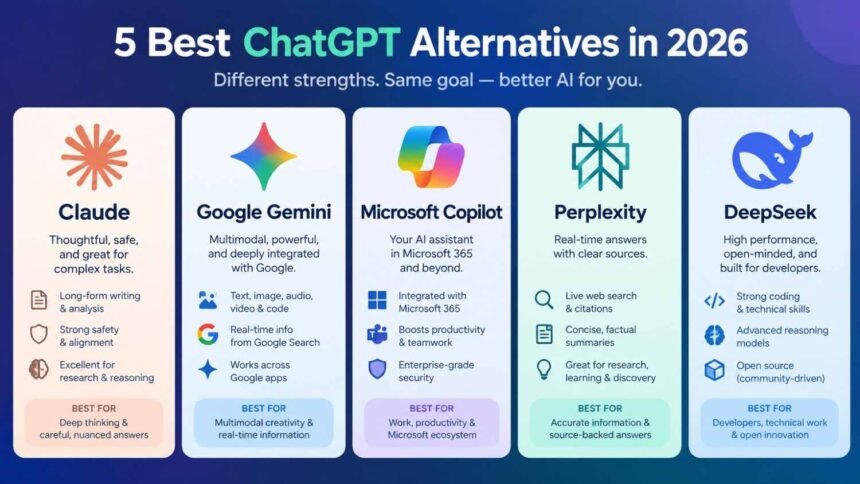
In this article, we explore the 5 best ChatGPT alternatives in 2026, highlighting their key features, advantages, limitations, and ideal use cases.
List of 5 Best ChatGPT Alternatives
1. Claude – Best for Writing, Coding, and Complex Tasks
Website: https://claude.ai/
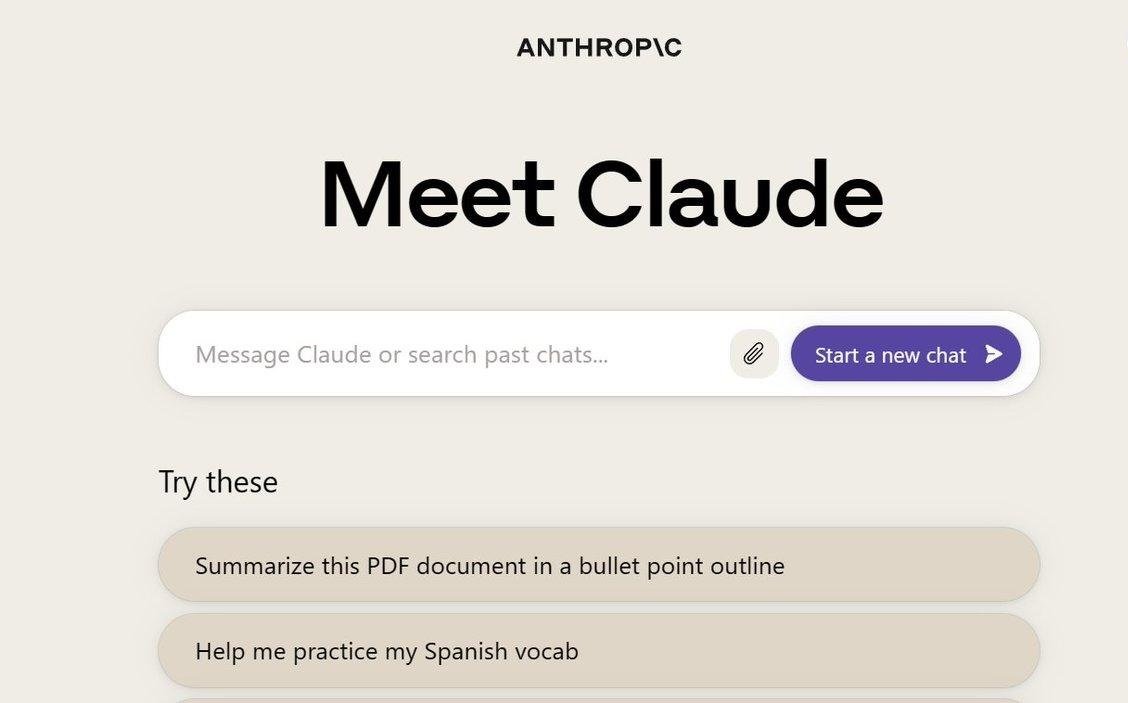
Claude, developed by Anthropic, is one of the strongest ChatGPT alternatives for people who work with long-form content, programming, document analysis, and complex instructions.
It is particularly useful for writers, developers, researchers, and professionals who need detailed responses and structured content. Claude can also help create and edit documents, analyze files, write code, and search the web.
Key Features:
- Generates articles, blogs, emails, and professional content.
- Helps developers write, debug, and understand code.
- Analyzes documents and lengthy text.
- Supports web search and research.
- Provides Artifacts for creating and working with interactive content.
- Offers Projects for organizing related work.
Pros:
- Excellent for long-form writing and content editing.
- Useful for coding and technical problem-solving.
- Produces clear, natural-sounding responses.
- Offers a free plan.
Cons:
- Free usage has limitations.
- Some advanced features require a paid subscription.
- Availability and usage limits vary by plan.
Best For: Content writers, bloggers, programmers, researchers, and professionals.
2. Google Gemini – Best for Google Ecosystem Integration
Website: https://gemini.google.com/
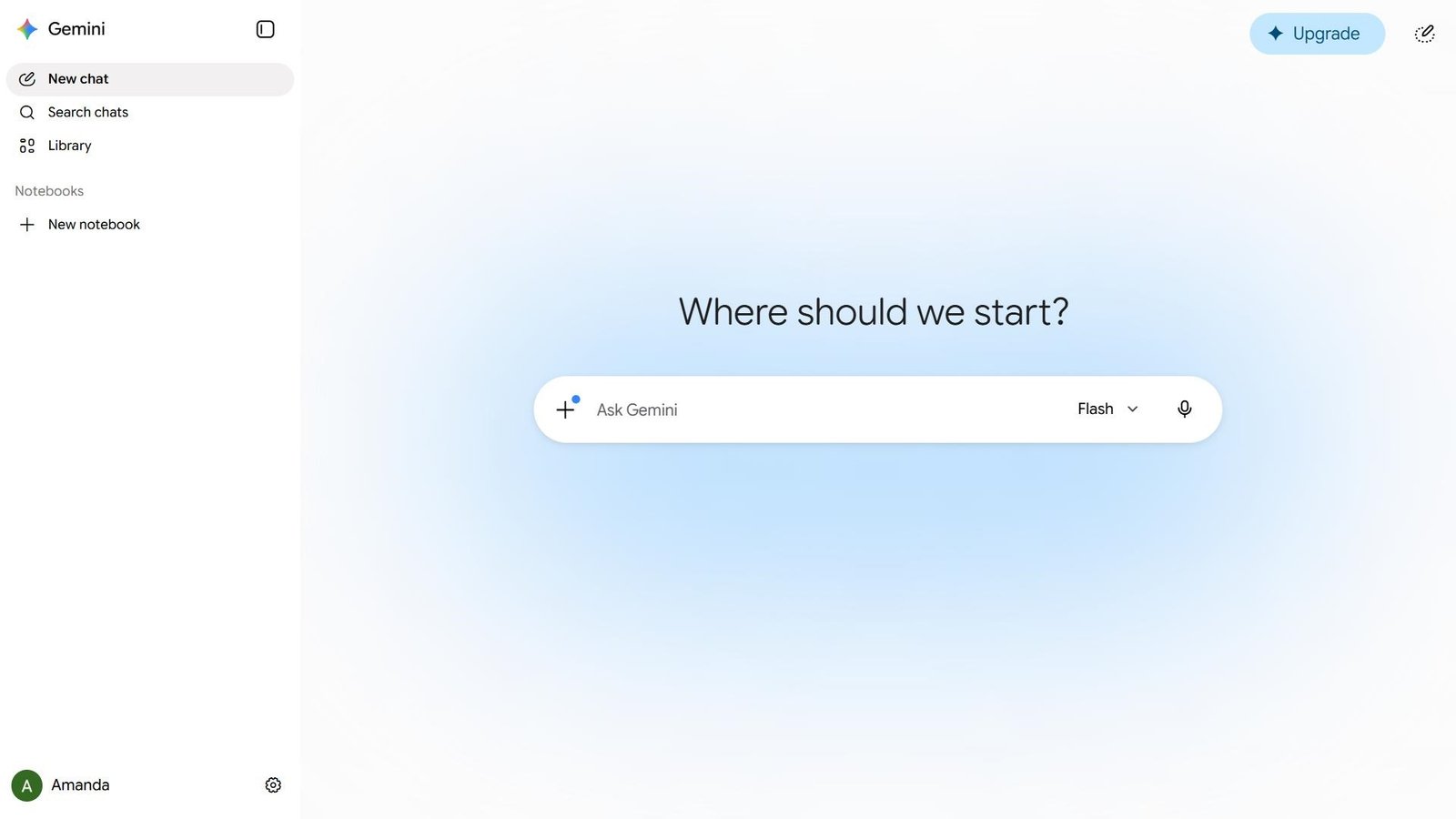
Google Gemini is an AI assistant developed by Google. It is a popular choice for users who want an AI chatbot that works alongside Google’s ecosystem.
Gemini can assist with writing, brainstorming, coding, summarizing information, understanding images, and answering questions. Its integration with supported Google services makes it useful for people who regularly work with Gmail, Google Docs, and other Google products.
Key Features:
- Generates articles, summaries, and creative content.
- Helps with coding and technical questions.
- Understands images and other supported media.
- Supports research and information discovery.
- Integrates with supported Google applications.
- Offers advanced AI capabilities through eligible paid plans.
Pros:
- Useful integration with Google’s ecosystem.
- Supports multimodal tasks.
- Good for research and everyday productivity.
- Offers free access with usage limitations.
Cons:
- Some advanced features require a subscription.
- Responses can occasionally contain inaccurate information.
- Features and integrations depend on account, region, and plan.
Best For: Students, professionals, researchers, and people who use Google services regularly.
3. Microsoft Copilot – Best for Business and Office Productivity
Website: https://copilot.microsoft.com/
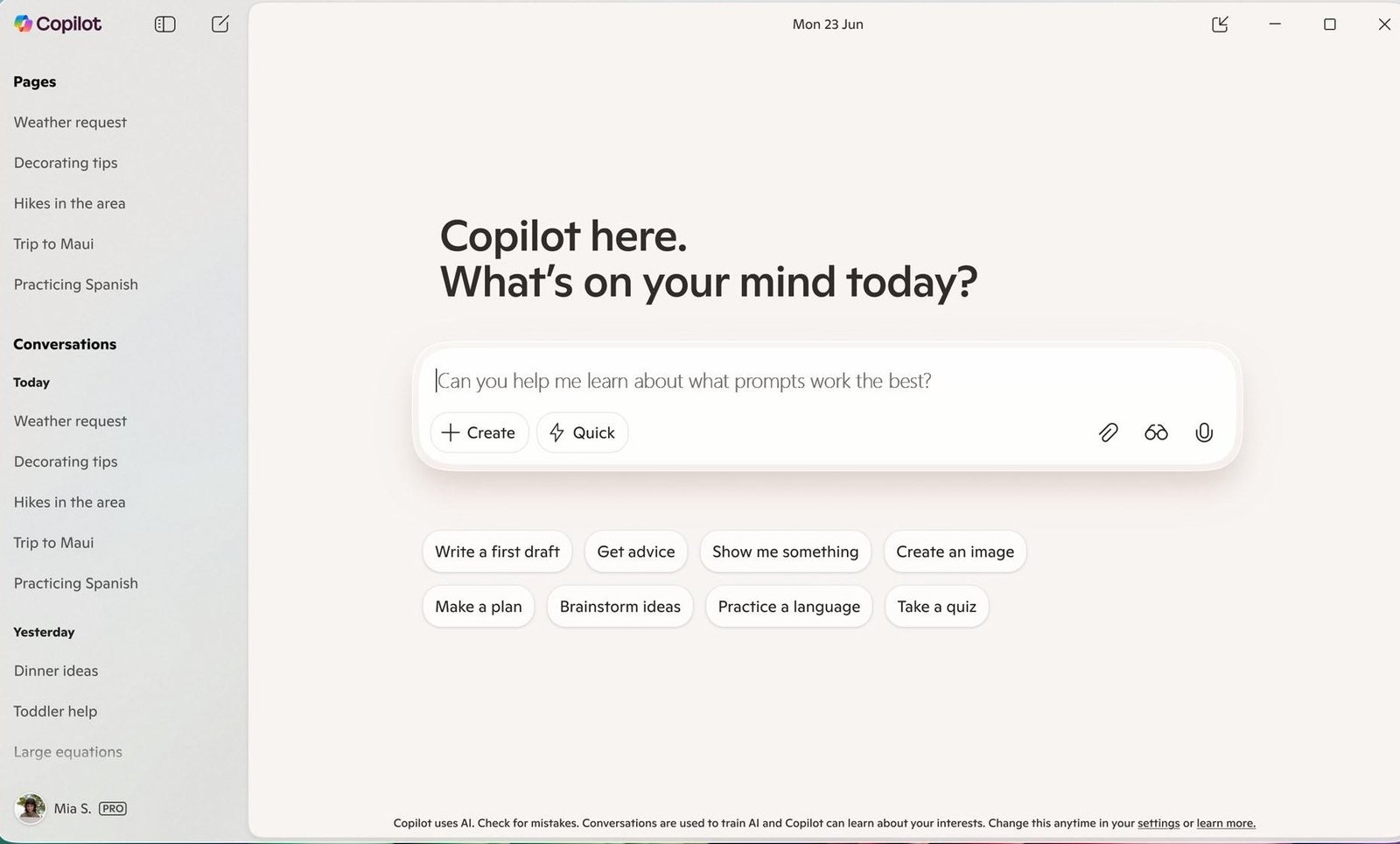
Microsoft Copilot is an AI-powered assistant developed by Microsoft. It is designed to help users improve productivity, generate content, find information, and complete everyday tasks.
One of its biggest advantages is its connection with Microsoft’s ecosystem. Users working with Microsoft 365 applications can benefit from Copilot capabilities in supported versions of Word, Excel, PowerPoint, Outlook, and Teams.
Copilot is also useful for brainstorming, summarizing information, creating presentations, and generating images through supported features.
Key Features:
- AI-powered content generation and writing assistance.
- Helps summarize information and documents.
- Supports image generation.
- Assists with research and web-based questions.
- Integrates with supported Microsoft 365 applications.
- Provides productivity assistance for business users.
Pros:
- Useful for Microsoft 365 users.
- Helps with office-related tasks.
- Supports writing, research, and productivity.
- Provides a free version.
Cons:
- Some Microsoft 365 integrations require eligible subscriptions.
- Advanced features may have usage restrictions.
- Experience varies across personal and business accounts.
Best For: Business professionals, office workers, students, and Microsoft 365 users.
4. Perplexity AI – Best for Research and Finding Information
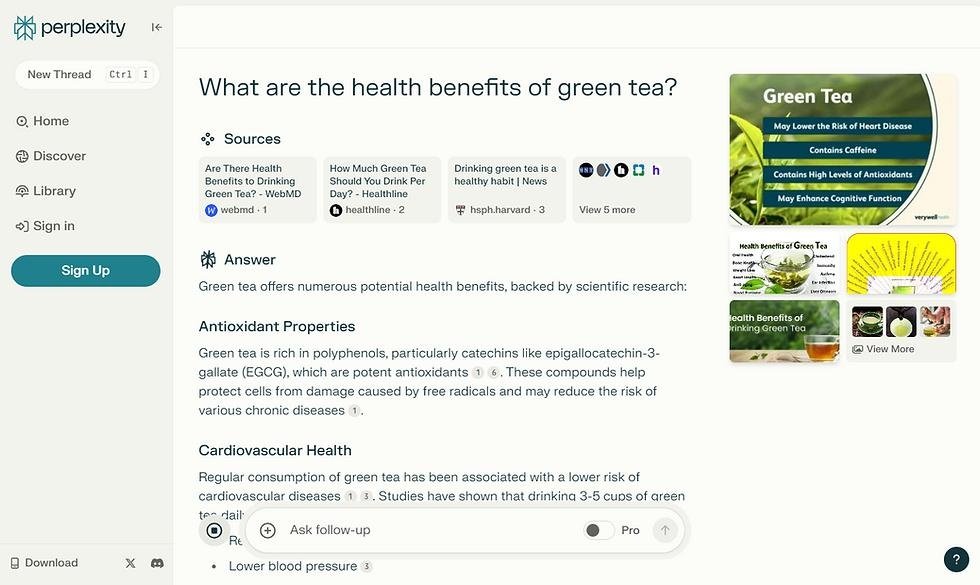
Website: https://www.perplexity.ai/
Perplexity AI is an AI-powered search and answer engine that helps users find information from the web. Unlike traditional search engines that primarily display links, Perplexity generates conversational answers and provides references to supporting sources.
It is especially useful when you need to research a topic, compare information, explore industry trends, or find references for an article.
For bloggers, journalists, students, and digital marketers, Perplexity can make the initial research process more convenient.
Key Features:
- AI-powered web search and research.
- Provides source links with generated answers.
- Summarizes information from multiple sources.
- Supports follow-up questions.
- Helps explore complex topics.
- Offers additional research capabilities through paid plans.
Pros:
- Excellent for web-based research.
- Provides sources for checking information.
- Useful for collecting information quickly.
- Offers a free plan.
Cons:
- Sources should always be checked for accuracy.
- Advanced research features may require a paid plan.
- Not designed to replace every creative or productivity feature of a general AI assistant.
Best For: Bloggers, journalists, students, researchers, and digital marketers.
5. DeepSeek – Best for Free AI Assistance and Coding
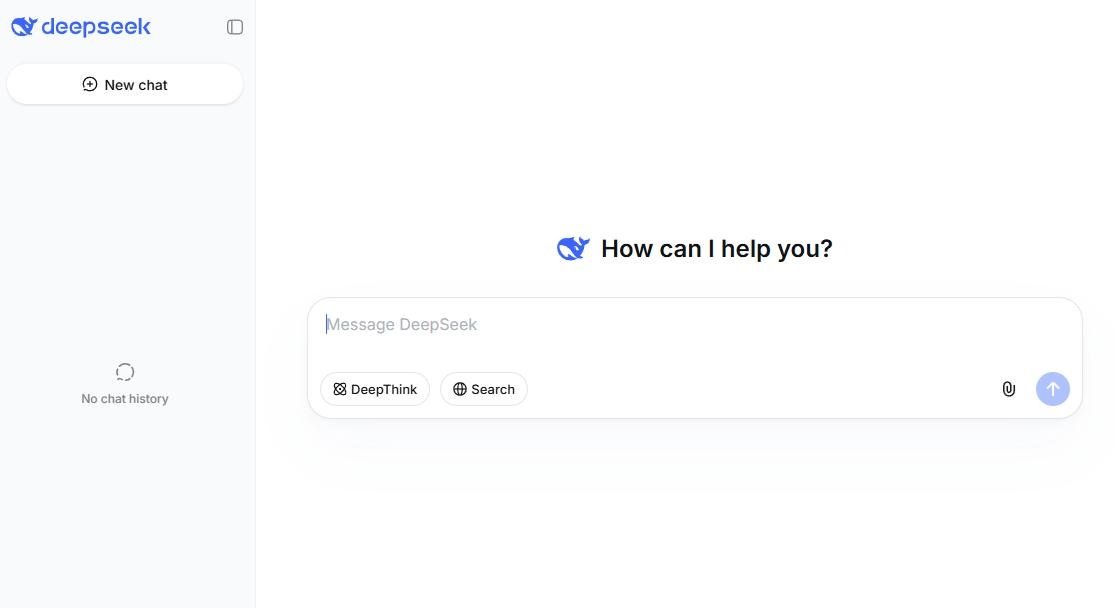
Website: https://www.deepseek.com/
DeepSeek is an AI platform known for its reasoning and coding capabilities. It has become an interesting option for users looking for an alternative to popular AI chatbots.
DeepSeek can help with programming, mathematical problems, content generation, explanations, and general questions. Its models are also available through developer-focused options, making the platform relevant to people interested in building AI-powered applications.
For users who want to explore AI tools without immediately purchasing a premium subscription, DeepSeek is worth considering.
Key Features:
- AI-powered conversations and question answering.
- Coding assistance and debugging.
- Mathematical and logical problem-solving.
- Content generation and summarization.
- Reasoning-focused AI models.
- Developer API and model options.
Pros:
- Offers free chatbot access.
- Useful for coding and technical questions.
- Strong focus on reasoning tasks.
- Provides options for developers.
Cons:
- Answers should be verified for accuracy.
- Privacy and data-handling policies should be reviewed before sharing sensitive information.
- Some advanced capabilities may require API access or additional setup.
Best For: Developers, programmers, students, and users looking for an alternative AI chatbot.
ChatGPT Alternatives: Quick Comparison
Here is a quick comparison of the five AI tools discussed in this article.
| AI Tool | Best For | Free Access |
|---|---|---|
| Claude | Writing and coding | Yes, limited |
| Google Gemini | Google integration and research | Yes, limited |
| Microsoft Copilot | Business productivity | Yes, with limitations |
| Perplexity AI | Web research | Yes, limited |
| DeepSeek | Coding and reasoning | Yes |
Note: Free-plan limits, premium features, and availability can change. Check the official websites for current details.
How to Choose the Best ChatGPT Alternative?
Choosing the right AI chatbot depends on your requirements, budget, and the type of work you want to complete.
Here are our recommendations:
- For content writing: Choose Claude for writing, editing, and working with long documents.
- For Google users: Choose Gemini for Google ecosystem integration and everyday productivity.
- For business productivity: Choose Microsoft Copilot for Microsoft 365 workflows.
- For online research: Choose Perplexity AI for finding information with source references.
- For coding and reasoning: Try DeepSeek for programming assistance and technical questions.
You do not necessarily need to choose only one AI tool. Using multiple AI assistants for different tasks can help improve your productivity and workflow.
Final Thoughts
The AI industry is evolving rapidly, and ChatGPT is no longer the only option for people who want to use artificial intelligence in their daily work.
The five ChatGPT alternatives discussed in this article offer different advantages. Claude is a strong option for writing and coding, Gemini works well with Google’s ecosystem, Microsoft Copilot supports office productivity, Perplexity is useful for research, and DeepSeek offers an interesting option for coding and reasoning.
Before choosing an AI chatbot, explore its free version, understand its features, and compare its capabilities with your requirements.
The best AI tool is ultimately the one that helps you save time, improve your work, and achieve better results.
Frequently Asked Questions (FAQs) – ChatGpt Alternatives
1. What are the best ChatGPT alternatives in 2026?
Some of the best ChatGPT alternatives in 2026 include Claude, Google Gemini, Microsoft Copilot, Perplexity AI, and DeepSeek. Each offers different capabilities for writing, research, coding, and productivity.
2. Which ChatGPT alternative is completely free?
DeepSeek offers free chatbot access, while Claude, Gemini, Microsoft Copilot, and Perplexity also provide free access with certain limitations. Advanced features may require paid subscriptions.
3. Which AI tool is best for content writing?
Claude and Google Gemini are useful options for content writing. They can help generate blog posts, articles, product descriptions, emails, and social media content.
4. Which ChatGPT alternative is best for coding?
Claude and DeepSeek are strong options for coding assistance. They can help developers write code, identify errors, explain programming concepts, and solve technical problems.
5. Is Google Gemini better than ChatGPT?
Both tools offer powerful AI capabilities. Gemini is particularly useful for people working with Google’s ecosystem, while ChatGPT offers its own range of writing, research, coding, and productivity features. The better choice depends on your requirements.
6. Can I use ChatGPT alternatives for business?
Yes. AI assistants such as Claude, Gemini, and Microsoft Copilot can support business activities, including content creation, research, document preparation, customer communication planning, and productivity.